Table Tennis Pro – The Ultimate Ping Pong Challenge
A Digital Court Awaits
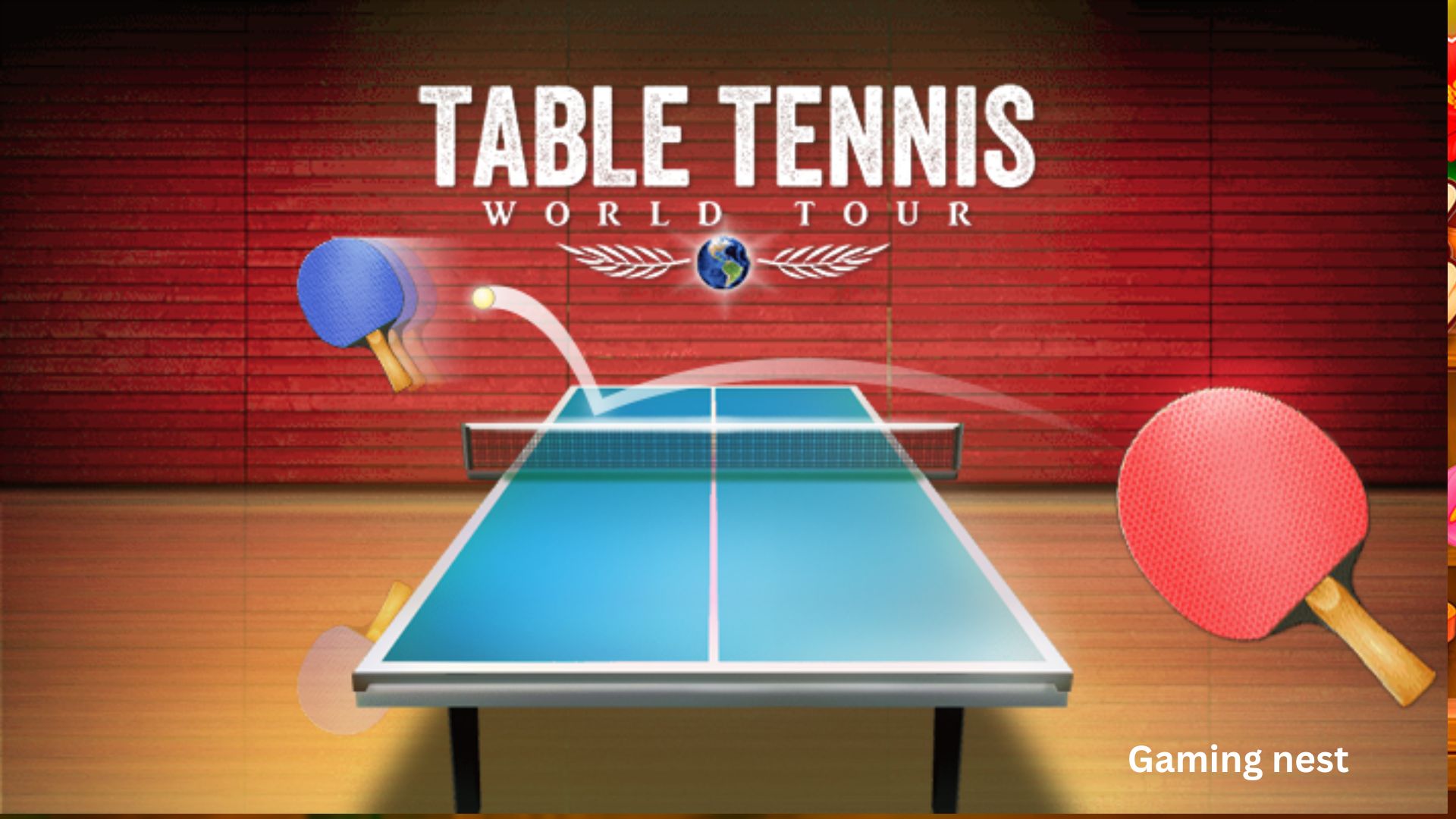
The sound of a small ball bouncing on a wooden table. The quick, strategic movements. The satisfying crack of a perfectly executed smash. Table tennis is a sport of speed, precision, and endless fun, and Table Tennis Pro brings this exhilarating experience to your screen with stunning realism and addictive gameplay.
Imagine stepping onto a virtual court where you can play against a cunning AI opponent or challenge your friends for bragging rights. You can smash, swing, and spin the ball just like a real pro, climbing the ranks in a challenging career mode. This isn’t just a game; it’s the closest you can get to the real thing without picking up a paddle.
In a world of complex games, Table Tennis Pro offers a refreshing return to pure, skill-based competition. It is a free browser game that delivers a console-quality sports experience directly to your browser, requiring no download required. Published by GameBiz, the game is a fantastic example of how a simple sport can be transformed into an addictive and visually impressive embedded game.
Gameplay: The Art of the Return
The core mechanics of Table Tennis Pro are designed to be intuitive yet offer a surprising amount of depth, perfectly capturing the essence of the real sport.
The Basics: Hit the Ball
The game’s instructions are brilliantly simple: “Mouse the mouse to hit the ball.” This is the foundation of the entire experience.
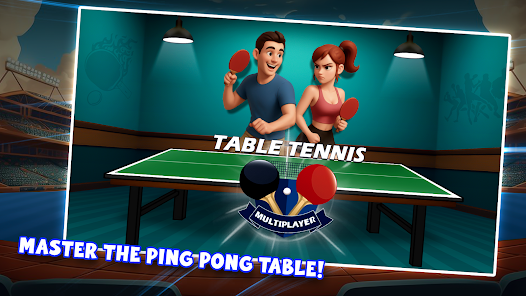
- Intuitive Control: You control your paddle by moving your mouse. The game translates your mouse movements into paddle movements, creating a direct and responsive connection between you and your on-screen avatar.
- Realistic Physics: The ball’s trajectory, speed, and spin are all governed by realistic physics. This means you can’t just wildly swing; you need to position yourself correctly and time your hits perfectly.
- Simple to Learn, Hard to Master: The game is incredibly easy to pick up. Anyone can move the mouse and hit the ball. But mastering the game—learning to place your shots, predict your opponent’s moves, and execute powerful smashes—is a rewarding challenge.
The Modes: AI, Friends, and Career
Table Tennis Pro offers a variety of modes that cater to different playstyles, ensuring long-lasting appeal.
- Against the AI: For solo players, the AI opponent provides a challenging and adjustable opponent. You can test your skills and work on your technique against a computer-controlled player that will punish your mistakes and force you to play your best.
- Against Your Friends: The best part? You can play it as in real life, against your friends. This multiplayer mode is the heart of the game’s competitive fun. It’s a fantastic way to challenge your friends to a virtual match and see who is the true table tennis champion.
- Career Mode: For those seeking a deeper challenge, the game features a career mode. This allows you to climb your way up through the ranks, taking on increasingly difficult opponents and tournaments. It provides a long-term goal and a sense of progression.
The Action: Smash, Swing, and Spin
The game doesn’t just simulate the basic movements; it allows you to perform the signature moves of a real table tennis pro.
- Smash: A powerful, downward shot is your best weapon for finishing a rally. You can unleash a devastating smash to win the point.
- Swing: You can adjust the angle and power of your swings to control the ball’s placement and speed.
- Spin: Adding spin to the ball can make it curve in the air or bounce unpredictably, making it much harder for your opponent to return. Mastering spin is the key to becoming a true pro.
Key Features and Special Elements
Table Tennis Pro is a standout in the world of free browser games due to its exceptional quality and authentic feel.
| Feature | Description |
|---|---|
| Superb Graphics & Sound | The game features realistic graphics and awesome soundFX that create an immersive table tennis experience . |
| Realistic Physics | The ball physics accurately simulate spin, speed, and trajectory, making the gameplay feel authentic and skill-based . |
| Multiple Game Modes | Play against the AI, compete with friends, or climb the ranks in career mode for endless variety . |
| Intuitive Controls | The simple mouse-controlled paddle is easy to learn but offers deep, responsive gameplay . |
| Authentic Table Tennis Actions | Perform real-life moves like smashes, swings, and spins to outplay your opponent . |
| Cross-Device Compatibility | As a mobile-compatible free browser game, it is optimized for play on both desktop and mobile devices . |
| Instant Access | Being an embedded game with no download required means you can start playing immediately, no setup needed . |
Beginner Tips for the Aspiring Pro
New to the table and ready to become a champion? Here are a few tips to help you improve your game.
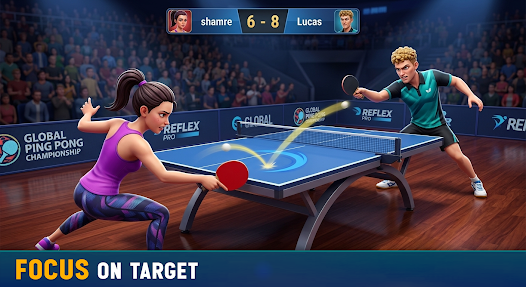
- Focus on Positioning: Good positioning is more important than a powerful shot. Learn to move your paddle to the correct spot early, so you have time to prepare your hit.
- Master the Basics First: Before trying fancy spins and smashes, focus on consistency. Practice just returning the ball reliably. Once you can do that, you can start adding more advanced techniques.
- Watch Your Opponent: Pay attention to where your opponent is moving and what kind of shot they are setting up. This will help you anticipate their return and be ready for it.
- Vary Your Shots: Don’t be predictable. Mix up your shots with different speeds and placements. Keep your opponent guessing.
- Be Patient: Table tennis is often about waiting for the right moment to attack. Don’t try to win the point on every shot. Build the rally and look for an opportunity to smash.
Is This Game for You?
Table Tennis Pro is a universally appealing game that will resonate with a wide range of players.
- For Sports Fans: If you love the fast-paced action of table tennis, this game is a must-try. It’s the most authentic digital version of the sport you can find in a browser.
- For Casual Gamers: The simple controls and quick matches make it an ideal game to pick up and play. It’s perfect for a fun and engaging break.
- For Competitive Players: Whether you’re challenging the AI or your friends, the game offers a deep competitive experience. The career mode adds a long-term goal for players who want to prove they are the best.
- For Players of All Ages: The game is easy to understand and safe for all ages, making it a great game for kids and adults alike.
How to Play This Embedded Game
Stepping onto the virtual court is quick and easy. Since it’s an embedded game with no download required, you can play it instantly.
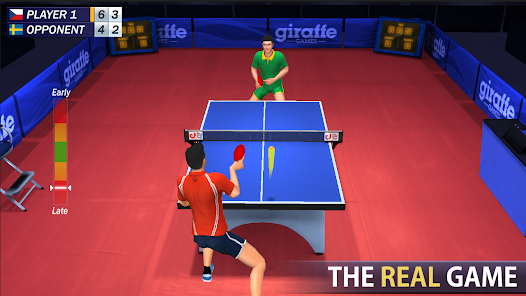
- Platform: Table Tennis Pro is an HTML5 game built on WebGL, which means it runs smoothly in any modern web browser. The page also confirms its compatibility with mobile devices for both iOS and Android.
- Controls: The game uses simple mouse controls. You just move your mouse to control the paddle. On a mobile device, you will likely use your finger to control the paddle by swiping or dragging.
- Cross-Device Play: The game is best experienced on a desktop with a mouse for precise control, but it is also adapted for touch controls on mobile devices.
Frequently Asked Questions (FAQ)
Q1: Is Table Tennis Pro completely free to play?
A: Yes, the game is a 100% free browser game. You can enjoy the full experience, including all modes and the career, without spending any money.
Q2: Do I need to download anything to play the game?
A: No. It is an embedded game that runs directly in your web browser. There is absolutely no download required.
Q3: How do I control my player?
A: The controls are simple. You move your mouse to hit the ball and control your paddle’s position.
Q4: Can I play against my friends?
A: Yes! The game allows you to play against your friends in multiplayer matches, just like in real life.
Q5: Is there a career mode or progression system?
A: Yes, the game features a career mode where you can climb your way up through the ranks, facing increasingly difficult opponents and tournaments.
Q6: What types of shots can I perform in Table Tennis Pro?
A: You can perform three main shot types, each controlled by different mouse buttons :
- Lob (Left Button): A soft, high-arcing shot over the net.
- Fast (Right Button): A faster, flatter shot.
- Smash (Left and Right Buttons Together): A very hard, powerful shot hit downwards.
Q7: How does the power and spin system work?
A: The game gives you full, precise control. Power is added by holding down the shot button and moving the mouse before the ball hits your bat . Spin can be added after you’ve mastered power, using a separate set of mouse movements and enabling “Spin Controls” in the options menu .
Q8: Is there a practice mode for beginners?
A: Yes! The game features a Practice Mode where you can play against a fully programmable robot . Beginners can set the robot to hit straight lobs down the middle, which is perfect for learning the controls. You can also reduce the Game Speed in the settings to make the game slower and easier .
Q9: What are the different difficulty levels or modes?
A: The game is designed to be suitable for all skill levels. It includes a “Junior” mode for younger players, a “Professional” mode for experts, and various modes in between . There are also 31 intelligent computer players, each with different playing styles and difficulty levels .
Q10: Can I customize my equipment?
A: Yes! You can design your own custom bats and tables using the game’s built-in design editors, allowing for a personalized experience .
Q11: What are the controls for playing against a friend on the same computer?
A: For local multiplayer, the game supports single-screen or split-screen modes . You and your friend can play on the same machine, typically taking turns or using different sections of the screen.
Q12: Is there a career or tournament mode?
A: Yes, the game features a League and Tournament Competition system . This allows you to participate in long-term competitions, climb through the ranks, and see where you stand against progressively more difficult opponents.
Q13: Does the game have a replay feature?
A: Absolutely. You can save entire games to watch later . This is a great way to review your matches, analyze your strategies, and enjoy your best moments again.
Q14: Are there mini-games included?
A: Yes, two mini-games are included: ‘Disks’ and ‘Blocks’ . These are designed to further test your reflexes, shot positioning skills, and reaction time in a fun, alternative format.
Q15: What should I focus on first as a beginner?
A: As a beginner, start by mastering adding Power to your shots before attempting Spin . Practice against the robot with “Spin Controls” turned off. Focus on hitting the ball in the direction you want and controlling the length of your shots .
Q16: Can I use a gamepad or keyboard instead of a mouse?
A: Yes, the game supports a variety of control devices. While a mouse is preferred for its accuracy, you can also use a gamepad (analog or digital) or the keyboard . The controller settings menu allows you to customize buttons to your preference.
Q17: How many different computer opponents can I face?
A: The game features 31 intelligent computer players, each with different playing styles and difficulty levels . This provides a wide variety of challenges and ensures that you’ll always face a fresh opponent as you improve.
Conclusion: The Virtual Champion Within
Table Tennis Pro is a brilliant example of how to translate a real-world sport into an engaging digital experience. It offers the perfect blend of intuitive controls, realistic physics, and authentic gameplay, making it one of the best sports simulations available as a free browser game. The ability to play against AI or friends, combined with the depth of the career mode, ensures countless hours of fun.
The convenience of being an embedded game with no download required means that the digital court is always ready for you. So, are you ready to show off your skills, smash your way to victory, and become the champion of Table Tennis Pro? The game is waiting. It’s time to play.